Colors: Names, colors, layout
Here you can change the color of the text and icons for each menu category. In the following screenshot, all colors are set to white.
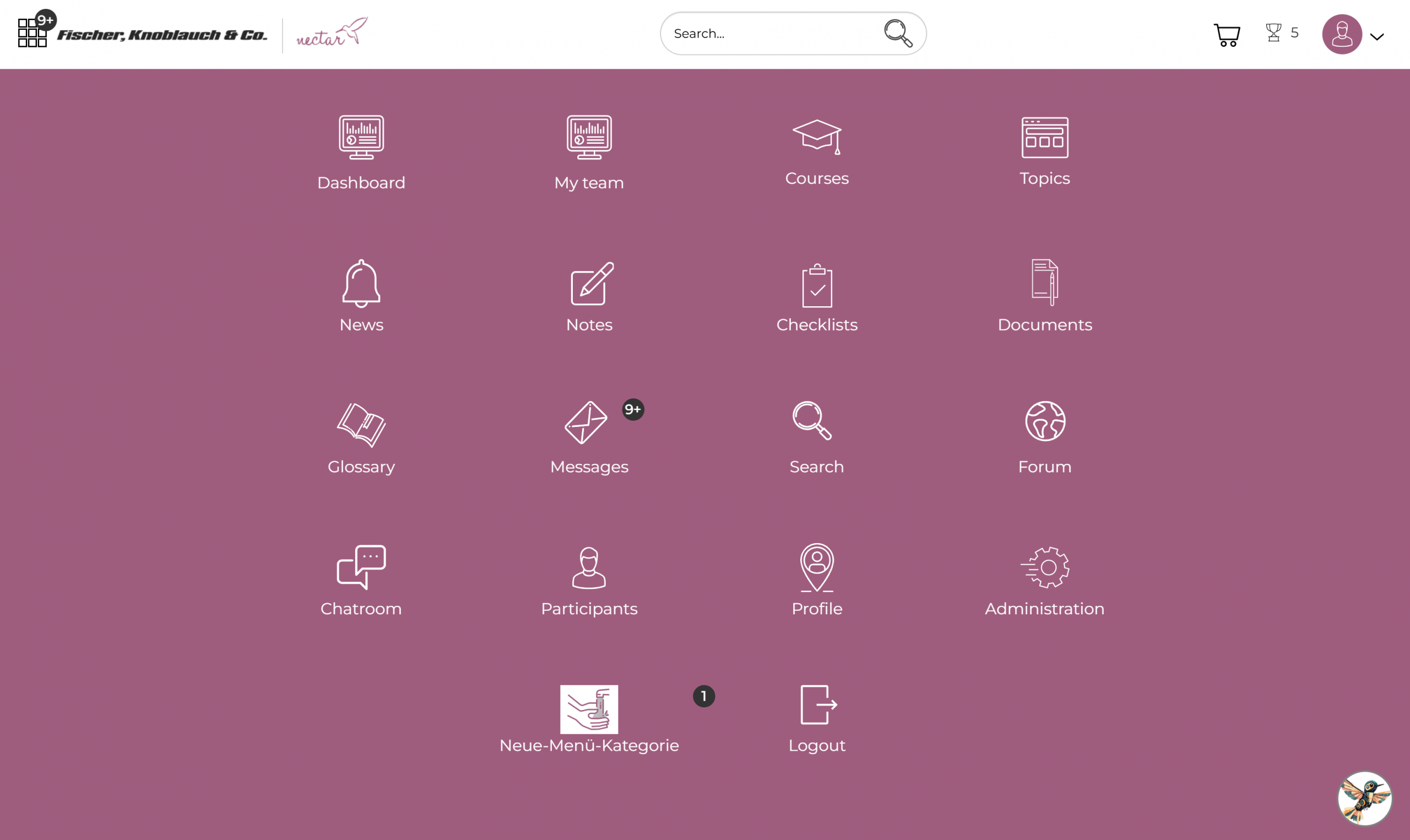
- The “Course” setting affects the menu categories: Courses, Completed, and Incomplete.
- The text color of the new menu categories can be adjusted via “Topics” and the icons under Administration > Super Administrator Settings > Menu Categories.